
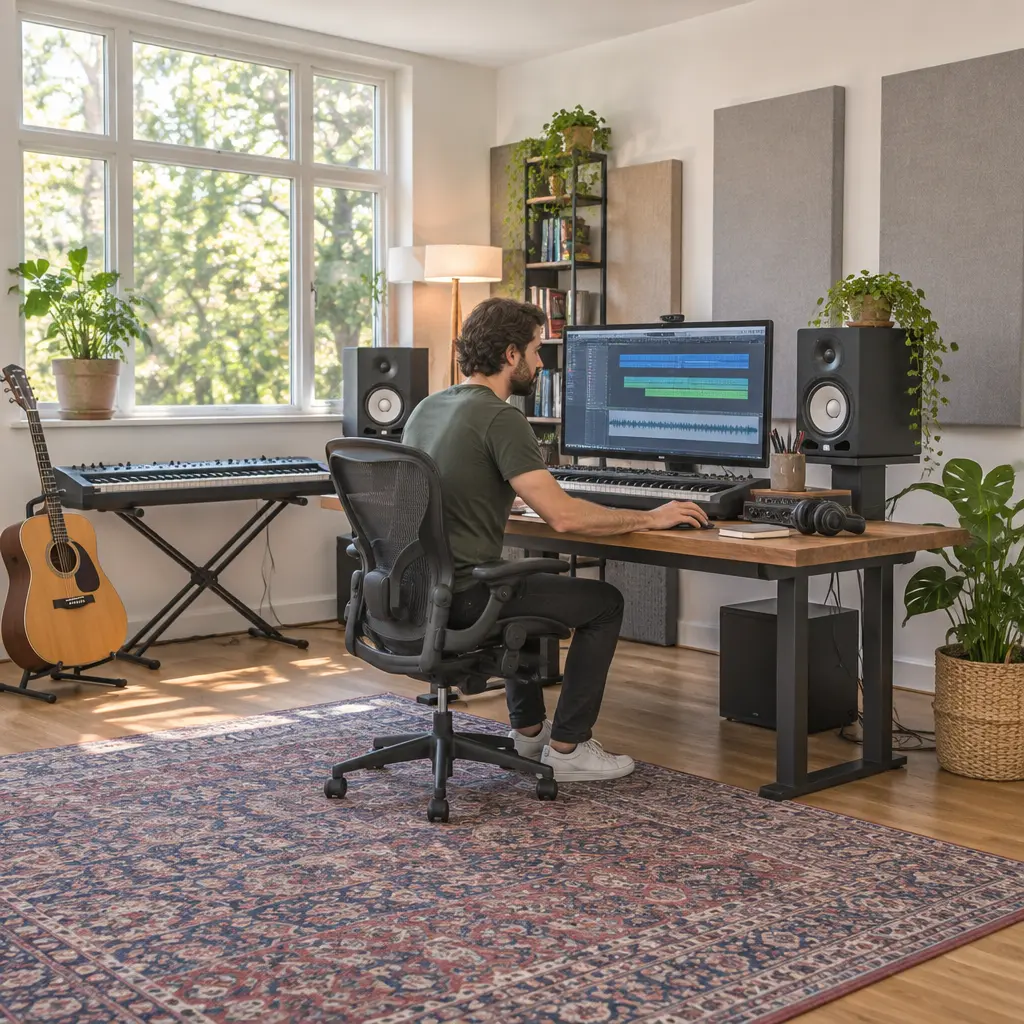
A digital audio workstation (DAW) is software for recording, editing, arranging, and mixing audio and, in many cases, MIDI. Choosing one by creative workflow means starting with how you make music—such as recording live performances, building songs from loops, composing with notation, or producing electronic tracks—rather than comparing feature lists in isolation. That approach matters because a DAW’s editing model, default tools, and navigation shape everyday work; the best match is the one that helps you move from musical idea to finished track with the least friction. This guide compares workflow types, explains what to test, and uses published product documentation and industry research to ground the advice.
Workflow fit defines DAW selection
Workflow fit is the degree to which a DAW’s organization and interaction patterns support a producer’s recurring creative tasks. It is not a formal industry-standard measurement, so claims that one application is universally “best” are usually misleading. Instead, assess fit through observable tasks: how quickly you can capture an idea, revise a performance, compare arrangement options, and export a reliable mix.
The distinction is practical, not merely philosophical. The Recording Industry Association of America reported that U.S. recorded-music revenue reached $17.1 billion at retail value in 2023, underscoring the scale of a sector in which digital production tools are central. That figure does not measure DAW use or prove that one workflow is superior; it does show why dependable, repeatable production practices matter to both professionals and independent creators.
Common workflow hyponyms—the specific ways a broader production workflow is realized—include linear recording, loop-based sketching, clip-based performance, notation-led composition, and hybrid production. Most modern DAWs can handle several of these, but their interfaces tend to make some approaches more immediate than others.
Linear recording and editing
A linear workflow arranges performances along a timeline, typically using tracks, takes, and regions. It suits bands, voice-over, podcasts, and songwriters who begin with a continuous performance and refine it through comping, editing, and overdubbing. For this workflow, test track management, punch recording, take lanes, waveform editing, and the ease of moving between recording and mixing.
Avid describes Pro Tools around recording, editing, and mixing, while Apple’s Logic Pro documentation covers tracks, takes, and project arrangement. These examples do not establish that either product is right for every recording room; they illustrate why a session-based timeline is a useful starting point for evaluating multitrack work. If you routinely record many microphones at once, try a realistic session rather than judging from a blank project.
Loop-based sketching and clip performance
A loop-based workflow builds music from repeated patterns, sampled audio, and short MIDI or audio clips. A clip-based workflow lets the producer trigger and rearrange musical ideas in a more modular way, often before committing them to a song timeline. These approaches are common in electronic music, beat-making, live performance, and rapid songwriting.
Ableton’s documentation distinguishes Session View, designed for launching clips and experimenting, from Arrangement View, which presents a linear timeline. Image-Line’s FL Studio documentation emphasizes its pattern and Playlist concepts. Such design differences can affect how naturally a producer experiments: someone who likes auditioning combinations may prefer a clip-oriented environment, while someone who wants to build patterns and then arrange them may favor a pattern-first model. The meaningful test is whether the interface encourages your preferred way of discovering the song.
Notation-led and instrument-focused composition
Notation-led composition begins with written pitches, rhythms, and parts, while an instrument-focused workflow begins by playing virtual instruments or recording MIDI performances. These methods overlap, but they call for different strengths: score entry and part preparation on one hand, and expressive MIDI editing, sound browsing, and performance capture on the other.
Steinberg’s Cubase materials describe score and MIDI capabilities alongside audio production, while Logic Pro supports notation features within a broader recording environment. Composers should check whether the notation view is adequate for their actual needs, especially if they must prepare readable parts for performers. Producers who mainly play by ear should instead test MIDI capture, quantization, articulation handling, and how quickly they can move from a sound idea to an arrangement.
Creative workflow changes how DAW capabilities matter
A feature becomes valuable when it removes friction from a task the user performs often. The same function can be essential to one producer and irrelevant to another: notation tools may be central to an arranger but rarely used by a beat-maker, while fast comping may matter greatly to a vocalist and little to someone working entirely with samples.
Idea capture and creative momentum
Idea capture is the path from a musical impulse to a saved, editable recording. Evaluate startup and project creation, MIDI or audio input, default track setup, metronome access, and whether the software makes it easy to record before the idea disappears. Also consider how you work away from the studio: a mobile companion, portable project format, or reliable template may matter more than a large collection of advanced processors.
A useful comparison is to set a short timer and record the same musical idea in each candidate DAW. Note how many actions are required before sound is captured, whether you can correct a mistake without losing the performance, and how clearly the project is saved. This small test is more informative than counting menu items.
Revision, arrangement, and decision-making
Revision workflow describes how easily a producer can reshape material after the first draft. Compare comping, undo history, automation, alternate takes, clip duplication, markers, and methods for trying a different song structure. A good revision environment makes experimentation inexpensive: you can test an alternate chorus or sound without damaging the version you already like.
For example, a songwriter recording several vocal passes should test take selection and comping; a dance producer should test pattern variation and arrangement transitions; and a composer working to picture should test tempo changes and synchronization. These are distinct creative problems, so a single generic benchmark would conceal the differences that matter.
Mixing, collaboration, and delivery
Mixing workflow includes routing, automation, plugin management, and export. Collaboration workflow includes exchanging sessions, preserving media, and communicating revisions. Check whether collaborators use the same DAW, whether projects can be consolidated with audio assets, and whether stems or interchange formats preserve the material you need to share.
The Audio Engineering Society’s work on audio interoperability reflects a broader production reality: projects often move among tools, systems, and people. Before committing, test a complete delivery handoff, including a full mix, stems, sample rate and bit depth, and a reopened archive. A DAW that feels ideal during composition may still be a poor operational fit if it complicates client revisions or studio collaboration.
A practical method for choosing a DAW by workflow
A structured trial reduces the chance of choosing software because of reputation, a feature checklist, or a short-lived discount. Use the same project brief in each candidate, then judge the experience against your own recurring work.
Map your recurring tasks
Write down the actions you perform in a typical project, in order: capture, edit, arrange, sound-design, mix, collaborate, and export. Mark which tasks happen every session and which are occasional. Prioritize repeated tasks, since small interface delays accumulate when a step is performed hundreds of times.
- For live recording, prioritize input setup, monitoring, take management, and editing.
- For electronic production, prioritize MIDI, sampling, clip or pattern handling, and automation.
- For composition, prioritize notation or score preparation, instrument articulation, and tempo control.
- For collaborative work, prioritize session portability, asset collection, and export consistency.
Run a repeatable trial project
Build the same small project in each DAW: record or program a short musical idea, create a contrasting section, revise one part, automate a change, and export a mix. Record where you hesitate, consult help, or need a workaround. Include a real-world complication, such as editing a flawed take or replacing a sound after the arrangement is complete.
A simple comparison chart can make the result visible. Use columns for “task,” “time or steps,” “ease,” and “problem encountered,” then score only the workflows that matter to you. The chart should be treated as a personal usability record, not a universal ranking.
Check practical constraints before switching
Workflow fit also depends on operating-system compatibility, hardware drivers, plugin formats, licensing terms, accessibility, support, and the cost of moving existing projects. Review current vendor documentation because supported systems, editions, and licensing can change. If you already have collaborators or a large archive, migration effort may outweigh a modest improvement in interface preference.
Do not assume that a new DAW will automatically improve productivity. A switch is most defensible when a specific recurring bottleneck is clear—for example, slow take editing, awkward clip experimentation, or unreliable session exchange—and the trial demonstrates that the alternative resolves it.
Conclusion: choose the DAW that supports your process
DAW selection is most useful when treated as a workflow decision rather than a contest of feature counts. Linear recording, clip-based production, pattern construction, notation-led composition, and hybrid methods each place different demands on the software. Idea capture, revision, collaboration, and delivery provide practical criteria for testing those demands, while a repeatable trial project reveals whether the interface supports the work you actually do.
The broader lesson is that tools influence creative habits: they can make certain experiments easy and others cumbersome. List your recurring tasks, test candidate DAWs with the same project, and consult current vendor documentation before committing. Choose the environment that helps you finish and revise music consistently—not the one with the longest feature list.
Sources: Recording Industry Association of America, 2023 Year-End Music Industry Revenue Report, https://www.riaa.com/reports/2023-year-end-music-industry-revenue-report-riaa/; Avid, Pro Tools Documentation, https://www.avid.com/pro-tools; Apple, Logic Pro User Guide, https://support.apple.com/guide/logicpro/welcome/mac; Ableton, Live Manual, https://www.ableton.com/en/live-manual/; Image-Line, FL Studio Online Reference Manual, https://www.image-line.com/fl-studio-learning/fl-studio-online-manual/; Steinberg, Cubase Documentation, https://www.steinberg.help/; Audio Engineering Society, AES Standards and Interoperability Resources, https://www.aes.org/standards/.


