
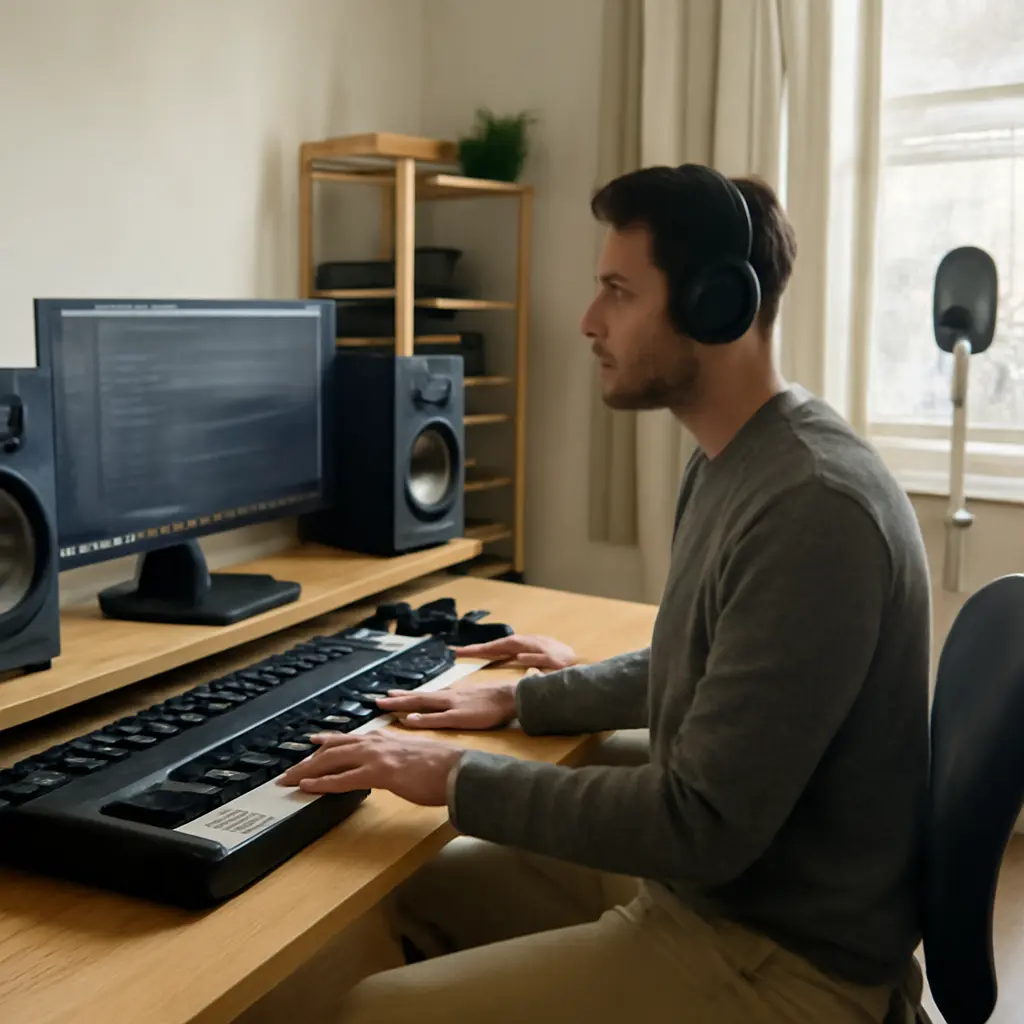
Electronic music production is the process of creating and arranging music with digital audio workstations (DAWs), sound-generating tools, recorded audio, and effects. Its basics are learning how to shape sounds, build rhythms and musical parts, arrange them into a coherent track, and mix the result for listening. These skills matter well beyond specialist studios: the Recording Industry Association of America reported that U.S. recorded-music revenues reached $17.1 billion in 2023, while accessible software and computers let newcomers begin producing without a traditional studio. The sections below explain the production workflow, essential tools, sound design, arrangement, mixing, and practical ways to get started.
How Electronic Music Production Works
Electronic music production combines musical decisions with audio technology. A DAW provides the workspace for recording, editing, arranging, and processing sound; instruments and samples supply audio; and production techniques turn those elements into a finished piece. Ableton’s educational materials describe a DAW as software for recording, editing, and producing audio, though individual applications organize these tasks differently.
The process is not limited to electronic genres. Hip-hop, pop, film scoring, and many other styles use electronic instruments, sampled audio, or DAW-based editing. Common production approaches include programming music with MIDI, recording live performances, working with audio loops, and combining these methods.
The Main Production Stages
A typical project moves from an initial musical idea to a rendered audio file. Producers often sketch a beat or chord pattern first, develop it into sections, then refine sounds and balance levels. These stages can overlap: changing a bass sound may inspire a new arrangement, for example.
-
Create a musical idea using a rhythm, melody, chord progression, vocal, or sound texture.
-
Build parts with instruments, samples, MIDI, or recorded audio.
-
Arrange the parts into an introduction, development, central sections, and ending.
-
Mix the tracks so they work together in level, tone, space, and dynamics.
-
Export the finished project as an audio file for sharing, release, or further mastering.
MIDI and Audio
MIDI is performance and control data, not sound itself. It can describe which notes were played, when they began, how long they lasted, and how strongly they were played. A software synthesizer or sampler interprets that data to produce audio. Audio, by contrast, is the recorded or rendered sound waveform. Producers can edit MIDI notes after recording, while audio editing works directly with recorded sound.
Essential Tools for Electronic Music Production
The core toolset is usually a computer, a DAW, audio playback equipment, and sound sources. You do not need every popular device to begin: a DAW with built-in instruments and effects is enough to make a complete first track. The right setup depends on whether you primarily program, record, perform, or work with external hardware.
Digital Audio Workstation
A DAW is the central software environment for a music project. Its timeline or clip view holds musical parts, while its mixer routes and processes tracks. Many DAWs include MIDI sequencing, audio recording, virtual instruments, effects, automation, and export tools. Beginners should choose one application and learn its basic editing, routing, and saving functions before switching between platforms.
Headphones, Speakers, and Audio Interfaces
Headphones and studio monitors let producers judge the sound of a mix. Headphones are practical in shared spaces and for close listening; speakers reveal how sound behaves in a room. An audio interface converts analog signals from microphones or instruments into digital audio and sends computer audio to speakers or headphones. It is useful for recording and monitoring, but is not required if production relies entirely on in-the-box instruments and samples.
Controllers, Microphones, and Hardware
A MIDI keyboard or pad controller provides a hands-on way to enter notes and rhythms, but producers can also draw notes with a mouse. Microphones capture vocals and acoustic sources. Hardware synthesizers, drum machines, and samplers can add tactile control and distinctive workflows; their sounds can usually be recorded into a DAW for editing and arrangement.
Sound Design and Rhythm
Sound design is the creation or modification of audio to serve a musical purpose. In electronic production, it may involve synthesizing a bass, shaping a drum hit, sampling a field recording, or processing a voice. Rhythm and sound selection work together: a kick drum’s length and tone, for instance, affect how it interacts with the bass line.
Synthesis Basics
A synthesizer generates or transforms sound using components such as oscillators, filters, and envelopes. An oscillator creates a basic waveform; a filter changes its frequency content; and an amplitude envelope shapes how its volume changes over time. Modulation—using one control to change another parameter—can create movement, from subtle vibrato to evolving textures. Learning these few controls provides a practical foundation before exploring complex synthesizer features.
Samples, Drum Programming, and Groove
A sample is a recorded piece of audio that can be played, edited, or rearranged. Producers use individual drum hits, loops, vocal fragments, and environmental recordings. Drum programming commonly starts with a kick and snare or clap, then adds hi-hats and percussion. A steady grid helps establish timing, while changes in note placement, velocity, and sound choice create groove and variation. Samples should be used in line with their licenses and any applicable rights.
Tempo, Meter, and Musical Parts
Tempo is the speed of the beat, usually measured in beats per minute (BPM); meter describes how beats are grouped. Producers can set both in the DAW and use the grid to synchronize MIDI and audio. A useful beginner exercise is to create a short drum pattern, add a bass part that supports it, and then introduce a contrasting melody or chord layer rather than adding sounds without a clear role.
Arrangement, Mixing, and Export
Once the main sounds and musical parts are in place, arrangement gives them a sense of direction. Mixing then helps the parts coexist clearly. The two tasks are related but distinct: arrangement concerns when musical elements appear and change, while mixing concerns how their recorded or programmed sounds are balanced and processed.
Arrangement and Transitions
Arrangement organizes a track over time. Producers may use an intro to establish a groove, add layers to build energy, reduce elements before a transition, and bring back a fuller section for contrast. Electronic tracks often use repeated patterns, but small changes—such as a filtered layer, a brief pause, or a new percussion part—can keep repetition engaging. The structure should serve the music rather than follow a fixed formula.
Mixing Fundamentals
Mixing is the process of balancing tracks and shaping their combined sound. Start with volume and panning: a clear level balance often matters more than adding many effects. Equalization adjusts frequency content, compression controls dynamic range, and reverb or delay adds a sense of space or repetition. Processing should solve a musical problem or support an intentional effect; excessive processing can make a mix less clear.
Listen at moderate volume and check the mix on more than one playback system when possible. The National Institute for Occupational Safety and Health recommends limiting occupational noise exposure to 85 dBA over an eight-hour workday; although this is a workplace guideline rather than a music-production target, it underscores the value of sensible listening levels and breaks.
Exporting and File Formats
Exporting, sometimes called rendering or bouncing, creates an audio file from the DAW project. WAV and AIFF are commonly used uncompressed formats for production delivery, while MP3 and AAC use lossy compression to reduce file size. Check the destination’s technical requirements before exporting, and listen to the rendered file to catch clipping, missing parts, or an incorrect ending. Keep the original project and a backup of important audio files.
A Practical Beginner Workflow
A small, repeatable workflow helps beginners finish music instead of endlessly collecting sounds. The following exercise can be completed with a DAW’s included tools and does not require external hardware.
-
Set a tempo and create a simple drum pattern with a clear pulse.
-
Add a bass line that supports the rhythm without masking the kick.
-
Write a short melodic or chord idea using a software instrument.
-
Arrange the idea into several sections by adding, removing, or changing parts.
-
Balance track volumes, make only necessary processing changes, and export a draft.
-
Listen back, note a few specific improvements, and revise the project.
A simple progress chart can track three useful milestones: finishing a short loop, arranging it into a complete track, and exporting a version for feedback. These milestones encourage practice in the full production process rather than focusing only on synthesizer settings or plugins.
Conclusion: Building Electronic Music Production Skills
Electronic music production brings together a DAW-based workflow, sound sources and synthesis, rhythm programming, arrangement, mixing, and export. Understanding the difference between MIDI and audio, learning a small set of tools, and finishing short projects creates a stronger foundation than relying on expensive equipment or complicated effects. Start with the software already available, make a short track, and use each new project to practice one skill at a time. For further study, consult the documentation and tutorials for your DAW, then compare your mixes on familiar headphones and speakers.
Sources: Recording Industry Association of America, 2023 Year-End Music Industry Revenue Report, https://www.riaa.com/reports/2023-year-end-music-industry-revenue-report-riaa/; Ableton, Learning Music, https://learningmusic.ableton.com/; MIDI Association, MIDI 1.0 Detailed Specification, https://midi.org/midi-1-0-detailed-specification; National Institute for Occupational Safety and Health, Criteria for a Recommended Standard: Occupational Noise Exposure, https://www.cdc.gov/niosh/docs/98-126/


